
In today’s fast-paced digital age, having a high-quality monitor is no longer a luxury; it’s a necessity. Whether you’re a gamer, a professional working from home, or a multimedia enthusiast, the right monitor can significantly enhance your overall experience. But why settle for just any monitor when you can have one that comes with built-in speakers? The combination of stunning visuals and immersive audio can transform your workspace or gaming station into an all-in-one entertainment hub.
Monitors with built-in speakers are the perfect solution for those who value both convenience and quality. Gone are the days when you had to clutter your desk with external speakers, manage tangled wires, or sacrifice precious desk space.
With a monitor that includes speakers, you get a sleek, streamlined setup that delivers excellent audio and visual performance. This integration is not only practical but also cost-effective, saving you from the additional expense of purchasing separate audio equipment.
AT A GLANCE:
Best Value Monitor for Speaker
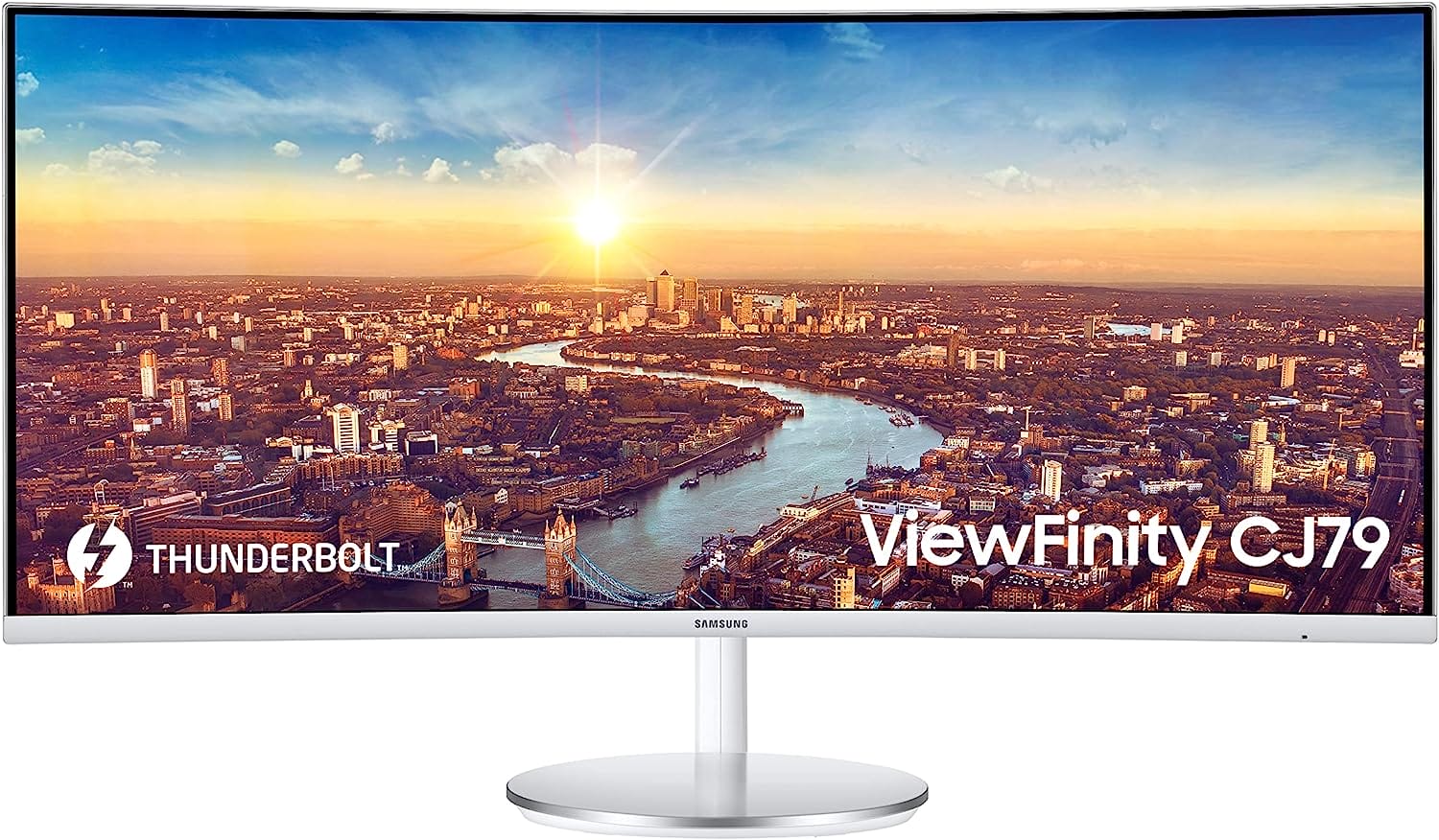
SAMSUNG 34” ViewFinity CJ79
- Thunderbolt 3 Ports: Fast data transfer and device charging.
- Ultrawide Curved Display: Enhanced multitasking and immersive viewing.
- Quantum Dot Color: Bright, accurate colors.
- Multiple Inputs: Versatile connectivity options.
- Built-in Speakers: Convenient audio solution.
Best High End Monitor for Speaker
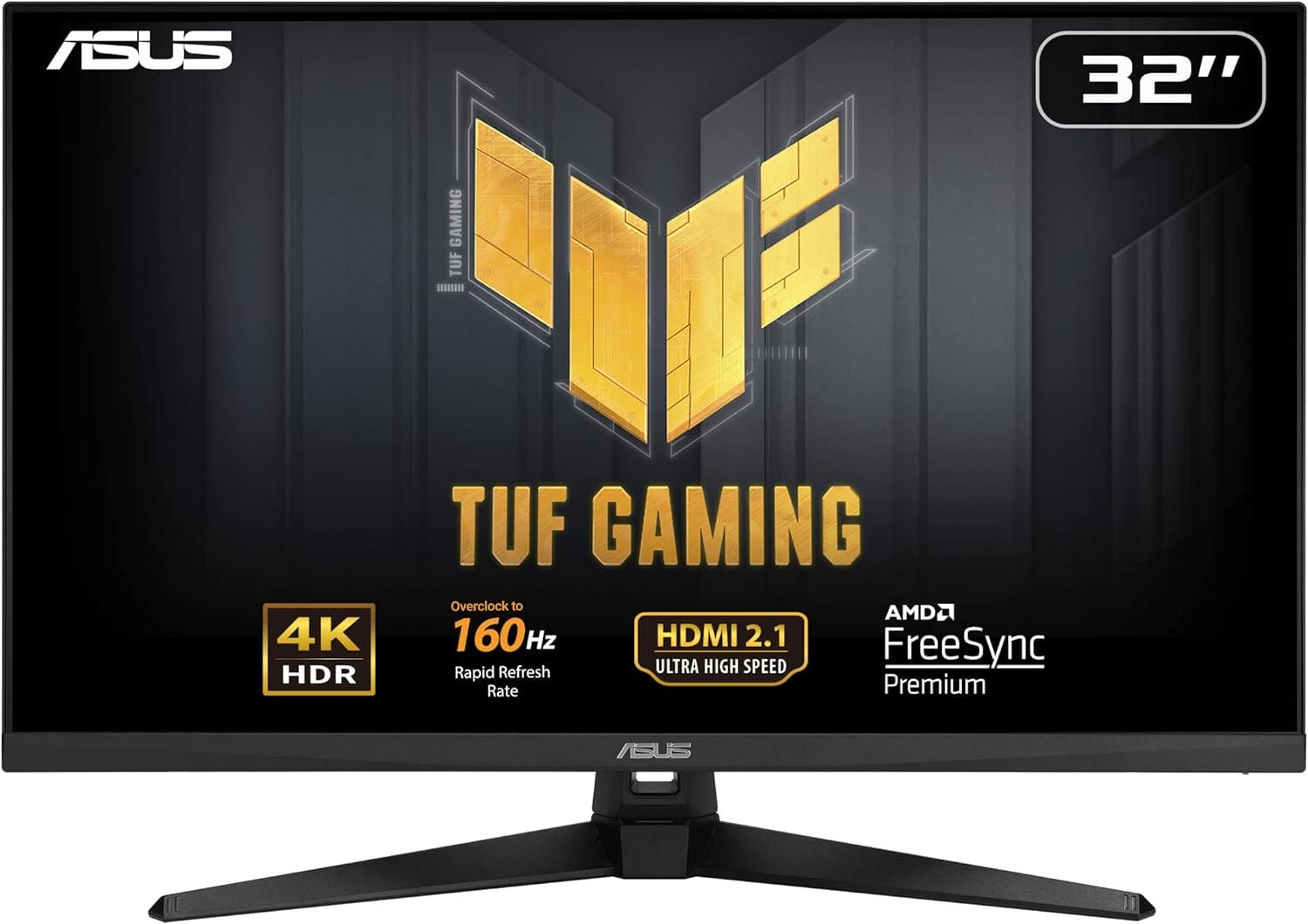
ASUS TUF Gaming 32
- 4K Resolution with 160Hz Overclock: Exceptional detail and smooth gameplay.
- ELMB Sync and FreeSync Premium: Eliminates ghosting and tearing.
- HDR Technology: Enhanced bright and dark areas.
- HDMI 2.1: Native 4K 120Hz gaming on next-gen consoles.
- Robust Connectivity: Multiple ports including DisplayPort 1.4 and USB Hub.
Best Affordable Monitor for Speaker

LG (32SQ780S)
- 4K UHD Display: High resolution and vibrant colors.
- Smart Features: webOS22 and ThinQ Home Dashboard.
- Ergonomic Stand: Extensive adjustments for comfort.
- Versatile Connectivity: Multiple ports and wireless options.
- Built-in Speakers: Convenient audio solution.
Choosing the best monitor with speakers, however, can be a daunting task given the myriad of options available in the market. From different screen sizes and resolutions to various audio qualities and additional features, making the right choice requires careful consideration. That’s why we’ve curated a comprehensive guide to help you navigate through the sea of choices and find the perfect monitor with speakers that suits your needs and preferences.
In this guide, we’ll explore the top monitors with speakers, highlighting their unique features, advantages, and potential drawbacks. Whether you’re looking for a budget-friendly option, a monitor with exceptional sound quality, or one with cutting-edge display technology, we’ve got you covered. Our goal is to provide you with all the information you need to make an informed decision, ensuring that you invest in a monitor that not only meets but exceeds your expectations.
So, let’s dive in and discover the best monitors with speakers that can elevate your computing and entertainment experience to a whole new level.
Short Buying Guide
Screen Size and Resolution:
Consider the screen size that fits your workspace and the resolution that provides the clarity you need. Common resolutions include Full HD (1920×1080), Quad HD (2560×1440), and 4K (3840×2160).
Audio Quality:
Built-in speakers vary in quality. Look for monitors with good reviews on audio performance. Consider the wattage and any additional audio technologies (like Dolby or DTS).
Panel Type:
Monitors come with different panel types like IPS (In-Plane Switching), TN (Twisted Nematic), and VA (Vertical Alignment). IPS panels offer better color accuracy and viewing angles, while TN panels provide faster response times.
Refresh Rate and Response Time:
Gamers and those who watch a lot of fast-paced content should look for monitors with higher refresh rates (120Hz or 144Hz) and lower response times (1ms to 5ms) to reduce motion blur and ghosting.
Connectivity:
Ensure the monitor has the necessary ports for your setup, such as HDMI, DisplayPort, and USB. Some monitors also offer USB-C connectivity, which can be handy for modern laptops and devices.
Adjustability and Ergonomics:
Look for monitors with adjustable stands that offer height, tilt, swivel, and pivot adjustments for comfortable viewing. VESA compatibility is also a plus if you plan to mount the monitor on a wall or an arm.
Additional Features:
Some monitors come with extra features like built-in USB hubs, blue light filters, and flicker-free technology. These can enhance your overall experience and provide added convenience.
Budget:
Determine your budget and find a monitor that offers the best combination of features and performance within your price range. There are excellent options available at various price points.
By keeping these factors in mind, you’ll be well-equipped to choose the best monitor with speakers that perfectly suits your needs, providing you with both exceptional visuals and high-quality audio in a single, sleek package.
Here are our recommended Top 8 Best Monitor with Speakers which you can purchase today
| Award | Design | Monitors | Retailer |
|---|---|---|---|
| Best Value Monitor for Speaker | Best Pick | VIEW ON AMAZON | |
| Best Runner UP Monitor for Speaker | 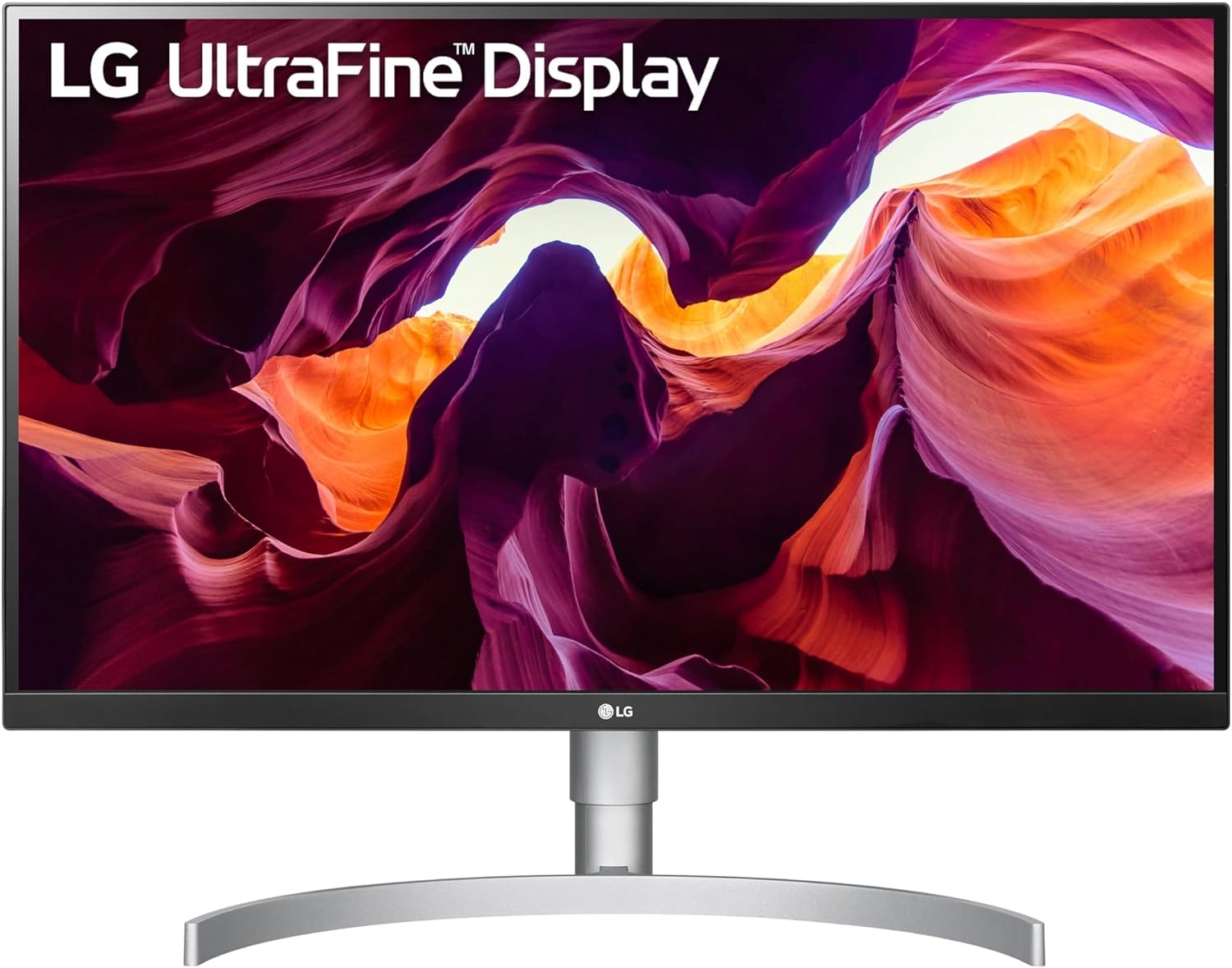 | VIEW ON AMAZON | |
| Best High End Monitor for Speaker | Staff Pick | VIEW ON AMAZON | |
| Best All Rounder Monitor for Speaker | 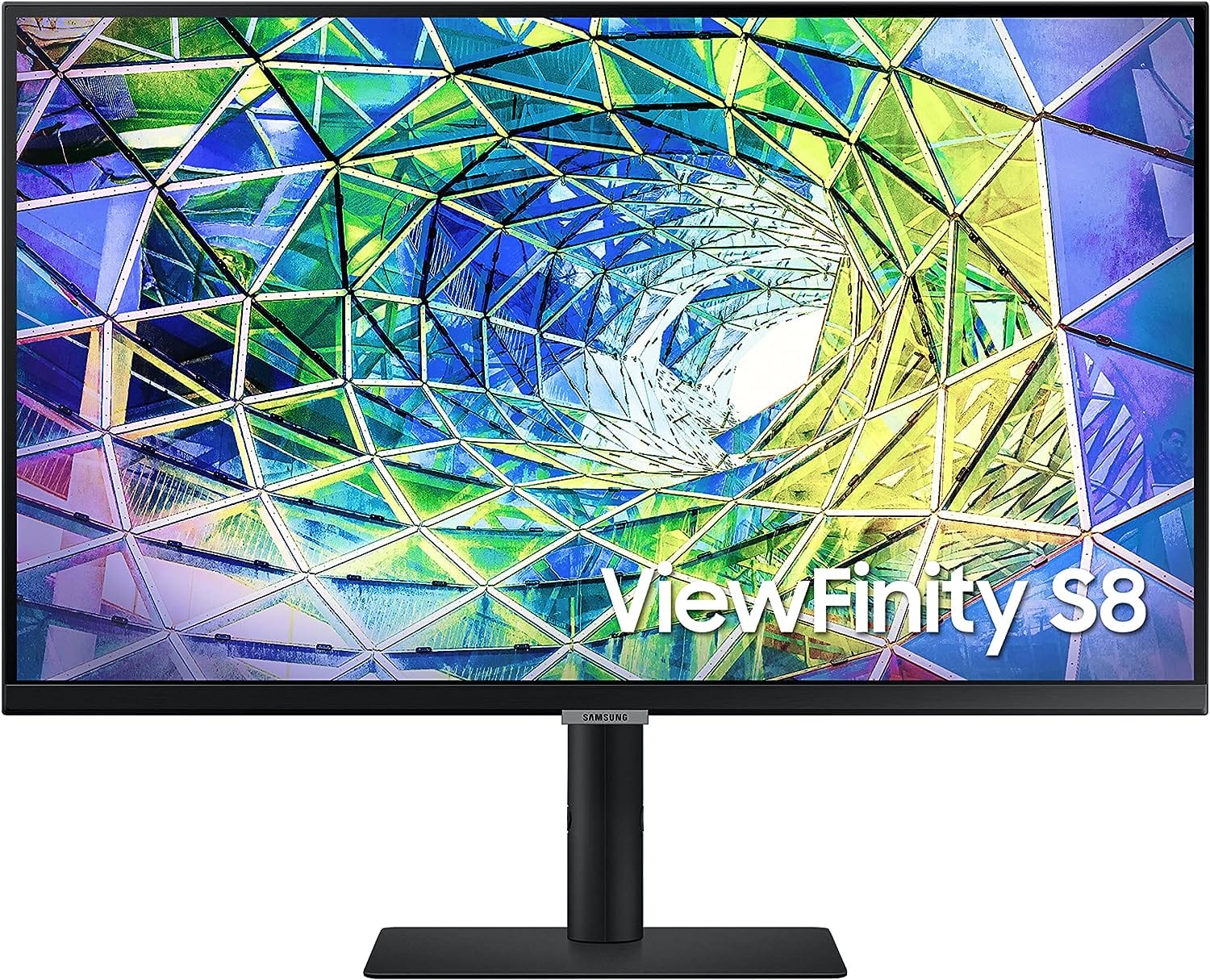 | VIEW ON AMAZON | |
| Best Affordable Monitor for Speaker | Budget Pick | VIEW ON AMAZON | |
| Best Budget Monitor for Speaker |  | VIEW ON AMAZON | |
| Best Cheap Monitor for Speaker | 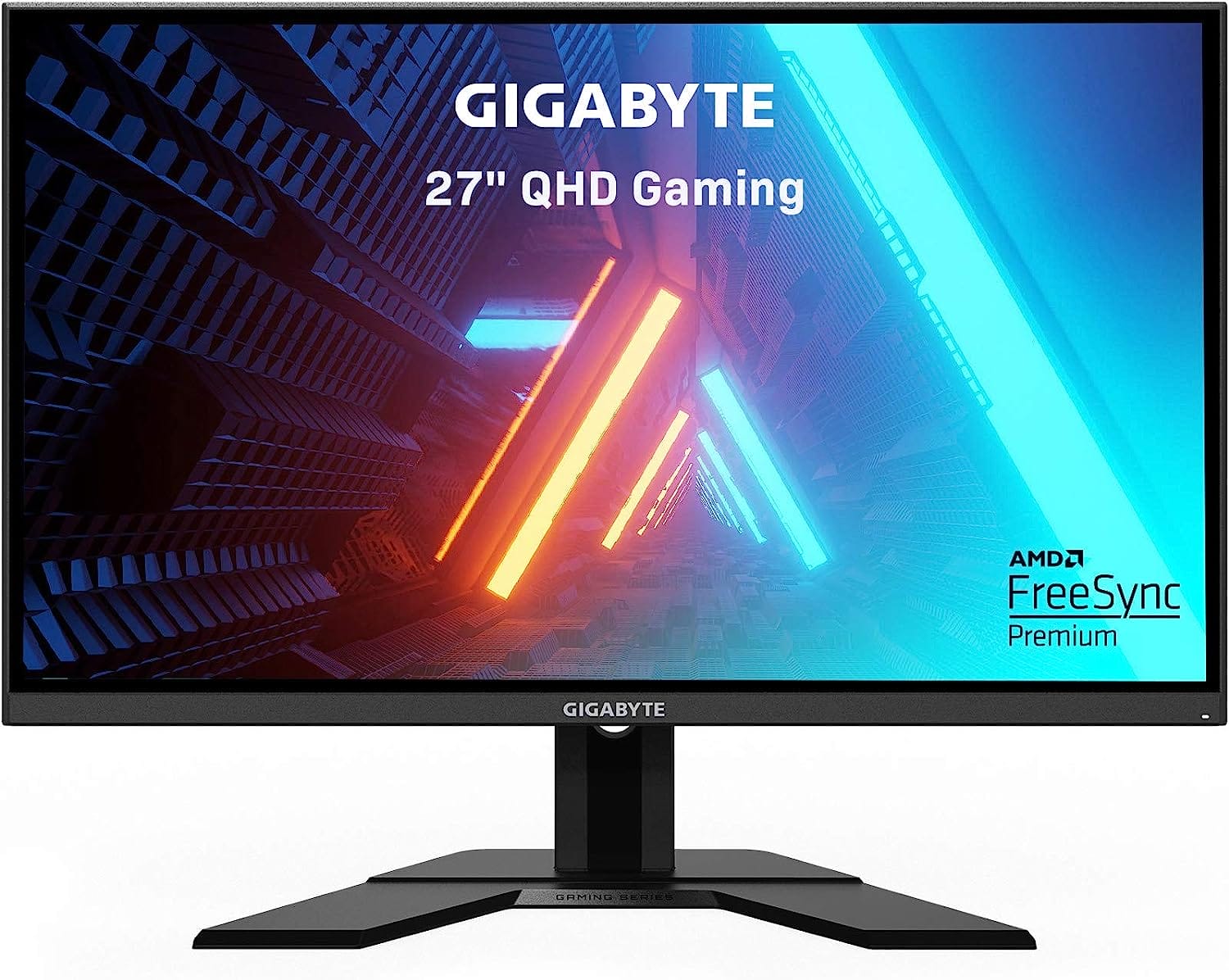 | VIEW ON AMAZON | |
| Best Pocket Friendly Monitor for Speaker | 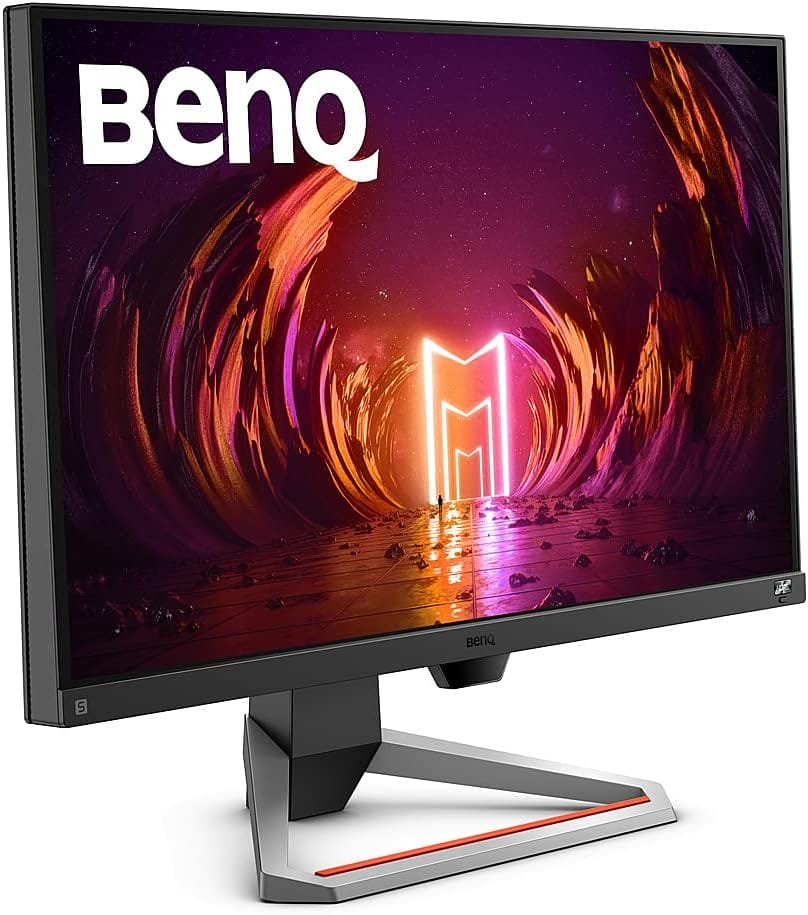 | VIEW ON AMAZON |
SAMSUNG 34” ViewFinity CJ79
Best Value Monitor for Speaker
SPECIFICATIONS
Brand: SAMSUNG | Screen Size: 34 Inches | Resolution: QHD Ultra Wide 1440p | Aspect Ratio: 21:9 | Screen Surface Description: Curved
REASONS TO BUY
✓Thunderbolt 3 Ports: Fast data transfer and device charging.
✓Ultrawide Curved Display: Enhanced multitasking and immersive viewing.
✓Quantum Dot Color: Bright, accurate colors.
✓Multiple Inputs: Versatile connectivity options.
✓Built-in Speakers: Convenient audio solution.
REASONS TO AVOID
✗Price: Higher end of the market.
✗Speaker Quality: May not satisfy audiophiles.
✗Large Size: Requires ample desk space.
The Samsung 34” ViewFinity CJ79 is a standout choice for anyone looking to upgrade their monitor setup with a model that seamlessly combines advanced features, exceptional display quality, and built-in speakers. This monitor offers a comprehensive suite of features that make it an excellent value for its price point, particularly for professionals and enthusiasts who demand both performance and versatility.
Thunderbolt 3 Connectivity
One of the most impressive aspects of the CJ79 is its Thunderbolt 3 connectivity. With two Thunderbolt 3 ports, this monitor supports video and data transfer speeds of up to 40Gbps, which is eight times faster than USB 3.0. This feature is particularly beneficial for users with compatible Macs and PCs, as it allows for rapid data transfer and device charging (up to 85W) over a single cable. This simplifies your workspace by reducing cable clutter and making connections more efficient.
Multiple Inputs for Versatility
The CJ79 is equipped with a variety of input options including DisplayPort (DP), HDMI, USB, and the aforementioned Thunderbolt 3 ports. This range of connectivity options ensures that you can easily connect PCs, gaming consoles, and other external devices. Additionally, the built-in 7W stereo speakers provide a solid audio experience, which is great for watching videos, gaming, or conducting virtual meetings without needing external speakers.
Ultrawide and Curved Display
The 34” ultrawide curved display with a 21:9 aspect ratio is a game-changer for multitasking. It provides ample screen real estate, allowing you to replace inconvenient dual monitor setups with a single, cohesive screen. The curvature of the monitor is designed to follow the natural curve of your eyes, offering a more immersive and comfortable viewing experience. This design reduces eye strain and makes long working hours more bearable.
Advanced Display Technologies
Samsung has incorporated several advanced technologies into the CJ79 to enhance visual performance. The Quantum Dot technology supports up to 125% sRGB color space, delivering brighter, crisper, and more natural colors, particularly in the reds and greens. Each monitor is factory-calibrated to ensure accurate, life-like images right out of the box. Furthermore, the 3000:1 contrast ratio, enabled by Samsung’s VA panel technology, ensures deep blacks, brilliant whites, and rich colors, providing clear and vibrant images.
Multitasking Features
For those who need to manage multiple sources simultaneously, the Picture-by-Picture (PBP) and Picture-in-Picture (PIP) functionalities are invaluable. PBP allows you to display two sources onscreen at their native resolutions, while PIP lets you resize the second source to up to 25% of the screen and position it anywhere, optimizing your multitasking capabilities.
In summary, the Samsung 34” ViewFinity CJ79 is an exceptional monitor that delivers on all fronts. Its Thunderbolt 3 connectivity, versatile input options, ultrawide curved display, and advanced visual technologies make it a top choice for professionals and enthusiasts alike. The built-in 7W stereo speakers are a bonus, providing good sound quality without the need for additional speakers. Whether you’re a creative professional, a gamer, or someone who spends long hours in front of a screen, the CJ79 is a reliable and feature-rich monitor that offers excellent value for its price.
LG 27UL850-W
Best Runner UP Monitor for Speaker
SPECIFICATIONS
Brand: LG | Screen Size: 27 Inches | Resolution: 4K UHD 2160p | Aspect Ratio: 16:9 | Screen Surface Description: Glossy
REASONS TO BUY
✓USB Type-C Connectivity: Simplifies connections and reduces clutter.
✓High Color Accuracy: sRGB 99% color gamut.
✓4K UHD Resolution: Sharp and detailed images.
✓Ergonomic Design: Adjustable stand for comfort.
✓Ultra-Thin Bezel: Modern and sleek look.
REASONS TO AVOID
✗Speaker Quality: May not be sufficient for audiophiles.
✗Glossy Screen: Potential for reflections.
The LG 27UL850-W is a remarkable choice for those seeking a high-quality monitor that offers a blend of advanced features, superior display performance, and convenient built-in speakers. As a runner-up in the category of monitors with speakers, this model stands out with its impressive specifications and thoughtful design, making it a versatile option for a wide range of users, from creative professionals to casual gamers.
USB Type-C Connectivity
One of the standout features of the LG 27UL850-W is its USB Type-C connectivity. This modern port allows for seamless data transfer, video display, and power delivery (up to 60W) through a single cable, significantly reducing desk clutter and simplifying connections. This feature is particularly beneficial for MacBook and other USB-C enabled laptop users who can enjoy a hassle-free docking experience.
Superior Color Accuracy
The monitor boasts an sRGB 99% color gamut, ensuring vibrant and accurate colors. This high level of color accuracy is essential for tasks that demand precise color reproduction, such as photo editing, graphic design, and video production. The 4K UHD resolution (3840×2160) further enhances the visual experience, providing sharp and detailed images that bring your content to life.
Design and Ergonomics
Design-wise, the LG 27UL850-W features an ultra-thin bezel, which not only gives it a sleek and modern look but also maximizes screen real estate for a more immersive viewing experience. The stand is highly adjustable, allowing you to tilt, pivot, and adjust the height of the monitor to find the most comfortable viewing angle. This ergonomic design helps reduce neck and eye strain during extended use.
Display Quality
The monitor offers a brightness of 350cd (typical) and 280cd (minimum), ensuring a clear and bright display even in well-lit environments. The glossy screen surface adds to the overall clarity and vibrancy of the visuals, though it may be prone to reflections in brightly lit rooms.
Built-in Speakers
While the built-in speakers of the LG 27UL850-W may not rival high-end external speakers, they provide a convenient and adequate audio solution for everyday use. This feature is especially useful for video conferencing, watching videos, or listening to music without the need for additional audio equipment.
Performance
The monitor operates at a refresh rate of 60Hz, which is sufficient for most everyday tasks, including watching videos and casual gaming. While hardcore gamers may prefer monitors with higher refresh rates, the 60Hz refresh rate ensures smooth performance for general use.
In conclusion, the LG 27UL850-W is an excellent runner-up monitor with speakers, offering a balanced mix of high-resolution display, superior color accuracy, modern connectivity options, and ergonomic design. Its USB Type-C port is a significant advantage for users looking for a streamlined and efficient workspace. Although the built-in speakers might not satisfy audiophiles, they provide a practical solution for basic audio needs. Whether you’re a creative professional, a student, or someone who spends a lot of time on their computer, the LG 27UL850-W is a reliable and feature-rich monitor that delivers excellent value for its price.
ASUS TUF Gaming 32
Best High End Monitor for Speaker
SPECIFICATIONS
Brand: ASUS | Screen Size: 31.5 Inches | Resolution: 4K UHD 2160p | Aspect Ratio: 16:9 | Screen Surface Description: Matte
REASONS TO BUY
✓4K Resolution with 160Hz Overclock: Exceptional detail and smooth gameplay.
✓ELMB Sync and FreeSync Premium: Eliminates ghosting and tearing.
✓HDR Technology: Enhanced bright and dark areas.
✓HDMI 2.1: Native 4K 120Hz gaming on next-gen consoles.
✓Robust Connectivity: Multiple ports including DisplayPort 1.4 and USB Hub.
REASONS TO AVOID
✗Price: High-end price point.
✗Speaker Quality: May not satisfy audiophiles.
The ASUS TUF Gaming 32-inch monitor sets a new standard in high-end gaming displays, delivering a host of features designed to meet the demands of professional gamers and those seeking an immersive gaming experience. With its impressive specifications and robust performance, this monitor stands out as a top-tier choice for anyone looking to elevate their gaming setup.
Superior Display and Refresh Rate
At the heart of the ASUS TUF Gaming 32 is a 31.5-inch 4K (3840 x 2160) display, offering stunning visuals with incredible detail and clarity. This high resolution ensures that every game, video, and image is rendered with sharpness and precision. What truly sets this monitor apart is its ability to overclock to a 160Hz refresh rate, a feature that is especially beneficial for professional gamers who need ultra-smooth gameplay. This high refresh rate, combined with a low response time, ensures that fast-paced action scenes are displayed without motion blur or ghosting.
Advanced Gaming Technologies
The inclusion of ASUS Extreme Low Motion Blur Sync (ELMB Sync) technology is a game-changer, allowing ELMB and variable-refresh-rate technologies to work simultaneously. This eliminates ghosting and tearing, providing sharp gaming visuals with high frame rates. Additionally, FreeSync Premium ensures a seamless, tear-free gaming experience by enabling VRR (variable refresh rate) by default, making this monitor a great match for both AMD and NVIDIA graphics cards.
HDR and Connectivity
High Dynamic Range (HDR) technology with DisplayHDR 400 compliance enhances both bright and dark areas of the screen, providing a more dynamic and realistic viewing experience. HDR-10 support ensures that content is displayed with richer colors and deeper contrasts. For console gamers, the HDMI 2.1 ports are a major highlight, supporting native 4K 120 Hz gaming without chroma subsampling (4:4:4) on PlayStation 5 and Xbox Series X. This means you get the full fidelity of next-gen gaming consoles without any compromise.
Comprehensive Connectivity
The ASUS TUF Gaming 32 offers robust connectivity options including DisplayPort 1.4 DSC, two HDMI 2.1 ports, and a USB Hub with USB 3.2 Gen 1 Type-A ports. This variety of ports ensures that you can connect a multitude of devices, from PCs and gaming consoles to peripherals like keyboards and mice.
Additional Features
This monitor comes with several accessories in the box, including a DisplayPort cable, USB cable, power cord and adapter, quick start guide, and warranty card. Additionally, ASUS offers a 3-month Adobe Creative Cloud subscription, providing access to a suite of powerful creative tools, which is a nice bonus for content creators.
The ASUS TUF Gaming 32-inch monitor is a powerhouse that delivers exceptional performance and a rich feature set, making it the best high-end monitor with speakers for gamers and professionals alike. Its 4K resolution, high refresh rate, and advanced gaming technologies like ELMB Sync and FreeSync Premium provide an unparalleled gaming experience. The HDR support and comprehensive connectivity options further enhance its appeal, ensuring that it can handle a wide range of tasks and devices with ease.
While the built-in speakers may not replace a dedicated sound system, they offer convenient audio for everyday use. The monitor’s robust build quality and ergonomic design add to its overall value, making it a worthwhile investment for anyone looking to upgrade their gaming or work setup. If you’re in the market for a high-end monitor that delivers on both performance and features, the ASUS TUF Gaming 32 should be at the top of your list.
SAMSUNG S80A
Best All Rounder Monitor for Speaker
SPECIFICATIONS
Brand: SAMSUNG | Screen Size: 27 Inches | Resolution: 4K UHD 2160p | Aspect Ratio: 16:9 | Screen Surface Description: Glossy
REASONS TO BUY
✓4K UHD Resolution: Sharp and detailed visuals.
✓IPS Panel and HDR10: Accurate colors and enhanced contrast.
✓USB-C Connectivity: Simplifies connections and charges devices.
✓Intelligent Eye Care: Reduces eye strain.
✓Adjustable Stand: Customizable for comfort.
✓Built-in Speakers: Convenient audio solution.
REASONS TO AVOID
✗Speaker Quality: May not meet audiophile standards.
✗Glossy Screen: Potential for reflections in bright environments.
The Samsung S80A stands out as an exceptional all-rounder monitor, designed to meet the diverse needs of professionals, creatives, and casual users alike. Its combination of high-resolution display, versatile connectivity options, and thoughtful design features make it a top choice for anyone seeking a reliable and feature-packed monitor.
Exceptional Picture Quality
At the core of the Samsung S80A is its impressive 4K UHD resolution, delivering four times the pixels of a Full HD monitor. This Hi-Res display is complemented by an IPS panel, which ensures consistent and accurate colors from all viewing angles. The inclusion of HDR10 technology takes visual quality to the next level, providing a broader range of colors and deeper contrasts. With over 1 billion colors, the S80A displays content exactly as the creator intended, making it ideal for tasks that require precise color accuracy, such as photo editing and video production.
Versatile Connectivity
One of the standout features of the Samsung S80A is its versatile connectivity options. It includes HDMI, DisplayPort, and USB-C, making it compatible with a wide range of devices. The USB-C port not only serves as a display input but also provides up to 90W of power delivery, allowing you to charge your laptop directly from the monitor. This feature significantly reduces desk clutter and simplifies your workspace. Additionally, the built-in USB 3.0 hub allows you to connect multiple peripherals, such as keyboards and mice, directly to the monitor.
Intelligent Eye Care
Long hours in front of a screen can take a toll on your eyes, but the Samsung S80A is equipped with intelligent eye care features to minimize strain. The Eye Saver Mode reduces blue light emissions, while the flicker-free technology ensures a stable and comfortable viewing experience. The smart adaptive picture setting adjusts brightness and color temperature based on your environment, providing optimal viewing conditions at all times.
Slim and Minimalistic Design
The design of the Samsung S80A is both sleek and functional. Its borderless design maximizes screen real estate and minimizes distractions, allowing you to focus on your work. The fully adjustable stand enables you to customize the height, tilt, swivel, and pivot of the monitor, ensuring maximum comfort and ergonomics. Additionally, the monitor is VESA mount compatible, giving you the flexibility to mount it in any environment.
Built-in Sound
A key feature of the Samsung S80A is its built-in speakers, which provide a convenient audio solution without the need for additional equipment. This feature is particularly beneficial for those with limited desk space, as it reduces the number of connections needed and keeps your workspace clean and organized.
The Samsung S80A is a superb all-rounder monitor that excels in various aspects. Its 4K UHD resolution, IPS panel, and HDR10 technology deliver exceptional picture quality, making it suitable for a wide range of professional and creative applications. The versatile connectivity options, including USB-C with power delivery, ensure that it can handle multiple devices and simplify your workspace. Intelligent eye care features and a fully adjustable stand enhance comfort, while the built-in speakers add to its practicality.
Whether you’re a professional working on detailed projects, a creative seeking accurate color reproduction, or a casual user looking for a high-quality monitor, the Samsung S80A offers a comprehensive set of features that make it a standout choice.
LG (32SQ780S)
Best Affordable Monitor for Speaker
SPECIFICATIONS
Brand: LG | Screen Size: 32 inches | Resolution: 4K UHD 2160p | Aspect Ratio: 16:9 | Screen Surface Description: Matte
REASONS TO BUY
✓4K UHD Display: High resolution and vibrant colors.
✓Smart Features: webOS22 and ThinQ Home Dashboard.
✓Ergonomic Stand: Extensive adjustments for comfort.
✓Versatile Connectivity: Multiple ports and wireless options.
✓Built-in Speakers: Convenient audio solution.
REASONS TO AVOID
✗Speaker Quality: May not satisfy audiophiles.
The LG 32SQ780S is an impressive monitor that strikes a balance between affordability and high-quality features, making it an excellent choice for both business and personal use. With its stunning 4K display, smart functionality, and ergonomic design, this monitor offers a comprehensive package that caters to a wide range of users.
Stunning Image Quality
The 32-inch UHD 4K (3840×2160) display of the LG 32SQ780S is a standout feature, delivering crisp and clear images with precise colors. The monitor covers 90% of the DCI-P3 color space, ensuring vibrant and accurate color reproduction. This level of color accuracy is particularly beneficial for tasks that require detailed visual work, such as graphic design, photo editing, and video production. The 16:9 aspect ratio and 178-degree viewing angle provide a wide and immersive viewing experience, making it suitable for both individual and collaborative work.
Smart Features with webOS22
One of the unique aspects of the LG 32SQ780S is its integration of webOS22, which allows users to explore a variety of shows and movies through built-in apps. This feature transforms the monitor into a versatile entertainment hub, perfect for those who want to switch seamlessly between work and leisure. The ThinQ Home Dashboard further enhances smart usage by enabling users to check and control the status of their home appliances, adding an extra layer of convenience to daily life.
Ergonomic Design
The LG 32SQ780S is designed with user comfort in mind, featuring an Ergo stand that offers extensive ergonomic adjustments. Users can extend, retract, swivel, pivot, adjust the height, and tilt the monitor to find the perfect viewing angle. This flexibility reduces strain during long hours of use, making it a great option for both home and office environments.
Connectivity and Control
This monitor excels in connectivity, providing a USB Type-C port (65W), two HDMI ports, three USB ports, and a LAN port. These options make it compatible with a wide range of devices, from laptops and desktops to peripherals like keyboards and mice. Additionally, features such as AirPlay 2, Screen Share, and Bluetooth offer seamless wireless connectivity, enhancing the monitor’s versatility.
Built-in Speakers
The built-in speakers of the LG 32SQ780S add to its appeal, offering a convenient audio solution that eliminates the need for external speakers. While they may not provide the depth and richness of dedicated audio systems, they are more than adequate for everyday tasks such as video calls, streaming media, and casual listening.
The LG 32SQ780S is a stellar choice for those seeking an affordable yet feature-rich monitor with speakers. Its 4K display delivers exceptional image quality, making it ideal for both professional and personal use. The integration of webOS22 and ThinQ Home Dashboard adds smart functionality that enhances the user experience, while the Ergo stand provides the ergonomic flexibility needed for long hours of comfortable use.
With a variety of connectivity options and built-in speakers, this monitor offers a complete package that caters to a wide range of needs. Whether you’re working, gaming, or enjoying multimedia content, the LG 32SQ780S delivers performance and convenience without breaking the bank.
Acer Nitro XV272U
Best Budget Monitor for Speaker
SPECIFICATIONS
Brand: acer | Screen Size: 27 Inches | Resolution: QHD Wide 1440p | Aspect Ratio: 16:9 | Screen Surface Description: Glossy
REASONS TO BUY
✓WQHD Resolution: Sharp and detailed visuals.
✓High Refresh Rate: Overclock to 170Hz for smooth gameplay.
✓Rapid Response Time: Up to 0.5ms for minimal motion blur.
✓Color Accuracy: DCI-P3 95% and Delta E<2.
✓Ergonomic Adjustments: Tilt, height, swivel, and pivot options.
✓Built-in Speakers: Convenient audio solution.
✓Included Cables: HDMI and DisplayPort cables included.
REASONS TO AVOID
✗Speaker Quality: Basic audio performance.
The Acer Nitro XV272U is a budget-friendly monitor that packs a punch with its impressive specs and features, making it a top choice for gamers and users seeking high performance without breaking the bank. With a 27-inch WQHD display, rapid refresh rates, and a range of ergonomic adjustments, this monitor delivers a fantastic all-around experience.
Stunning Display Quality
The 27-inch WQHD (2560 x 1440) Agile-Splendor IPS display of the Acer Nitro XV272U offers stunning visuals with vibrant colors and sharp details. The monitor supports a color gamut of DCI-P3 95% and boasts color accuracy with a Delta E of less than 2, ensuring that colors are vivid and true to life. This makes it an excellent choice for both gaming and multimedia use, where visual fidelity is crucial.
Exceptional Gaming Performance
Designed with gamers in mind, the Acer Nitro XV272U comes equipped with AMD FreeSync Premium Technology, which synchronizes the monitor’s refresh rate with the frame rate of your AMD graphics card to eliminate screen tearing and provide a smoother gaming experience. The monitor can be overclocked to a 170Hz refresh rate when using the DisplayPort, providing ultra-smooth motion for fast-paced games. Additionally, the response time of up to 0.5ms (G to G) ensures that motion blur is minimized, giving you a competitive edge in fast-action gaming scenarios.
HDR and Design
The VESA Certified DisplayHDR 400 enhances the contrast and color range of the monitor, delivering more lifelike images and deeper blacks. The zero-frame design not only looks sleek and modern but also maximizes the screen real estate, making it ideal for multi-monitor setups. The monitor also features built-in 2W speakers, which provide a convenient audio solution for everyday use. While they might not offer the depth and richness of external speakers, they are sufficient for casual listening and gaming.
Ergonomic Adjustments
Ergonomics play a crucial role in long gaming sessions or extended periods of use. The Acer Nitro XV272U excels in this area with a range of adjustments including tilt (-5° to 25°), height (up to 4.7 inches), swivel (360°), and pivot options. This flexibility allows you to position the monitor for maximum comfort, reducing strain on your neck and eyes.
Connectivity
The Acer Nitro XV272U offers a variety of connectivity options with one DisplayPort 1.2 and two HDMI 2.0 ports. This ensures compatibility with a wide range of devices, from gaming consoles to PCs. The inclusion of both an HDMI cable and a DisplayPort cable in the box adds to the overall value, making it easy to set up and start using the monitor right away.
The Acer Nitro XV272U is an outstanding budget monitor that offers an impressive array of features typically found in higher-end models. Its WQHD display, high refresh rate, rapid response time, and ergonomic design make it a versatile choice for gamers and multimedia users alike. The built-in speakers, while modest, add to the convenience of this monitor, making it a comprehensive package that offers great value for its price.
Whether you are a gamer looking for a performance boost or a user in need of a reliable and feature-rich monitor, the Acer Nitro XV272U delivers on all fronts. Its combination of stunning visuals, smooth performance, and ergonomic flexibility make it a top contender in the budget monitor category.
GIGABYTE G27Q 27
Best Cheap Monitor for Speaker
SPECIFICATIONS
Brand: GIGABYTE | Screen Size: 27 Inches | Resolution: QHD Wide 1440p | Aspect Ratio: Unknown | Screen Surface Description: Glossy | Color Accuracy: 92% DCI-P3 and HDR400.: undefined
REASONS TO BUY
✓WQHD Resolution: Clear and detailed visuals.
✓High Refresh Rate: 144Hz for smooth gameplay.
✓Rapid Response Time: 1ms (MPRT) minimizes motion blur.
✓Color Accuracy: 92% DCI-P3 and HDR400.
✓Tactical Features: Enhanced gaming experience with OSD Sidekick.
✓Ergonomic Design: Adjustable stand for comfort.
✓Built-in Speakers: Convenient audio solution.
REASONS TO AVOID
✗Speaker Quality: Basic audio performance.
The GIGABYTE G27Q is a budget-friendly monitor that offers a superb combination of high-performance features, making it an excellent choice for gamers and casual users alike. With its 27-inch 2560×1440 IPS display, rapid refresh rates, and vibrant color accuracy, this monitor stands out in the affordable segment without compromising on quality.
High-Quality Display
The GIGABYTE G27Q features a 27-inch WQHD (2560×1440) IPS display, which provides clear and detailed visuals with excellent color reproduction. The monitor covers 92% of the DCI-P3 color gamut (120% sRGB), ensuring that colors are vibrant and true to life. This makes it ideal for both gaming and multimedia consumption, where color accuracy and clarity are paramount. Additionally, the VESA DisplayHDR400 certification enhances the overall viewing experience by providing deeper blacks and brighter highlights, offering a more dynamic range of colors.
Smooth Gaming Experience
One of the standout features of the GIGABYTE G27Q is its 144Hz refresh rate, which ensures smooth and fluid motion during gameplay. This is particularly beneficial for fast-paced games where high frame rates are crucial. The 1ms (MPRT) response time minimizes motion blur and ghosting, providing a clear and sharp image even during intense action sequences. Furthermore, the monitor supports AMD FreeSync Premium, which synchronizes the monitor’s refresh rate with your graphics card to eliminate screen tearing and stuttering, resulting in a seamless gaming experience.
Tactical Features
GIGABYTE has equipped the G27Q with its classic tactical features, which include an OSD Sidekick that allows users to control the monitor settings using a keyboard and mouse. This feature enhances the user experience by making it easier to adjust settings on the fly without having to navigate through cumbersome on-screen menus. Additional tactical features such as crosshairs, timers, and a dashboard add to the functionality, making it a versatile tool for gamers looking to gain a competitive edge.
Built-in Speakers
While the built-in speakers on the GIGABYTE G27Q might not rival dedicated audio systems, they offer a convenient solution for everyday use. These speakers provide adequate sound quality for general media consumption, video calls, and casual gaming. For users who prioritize desk space and prefer an all-in-one setup, the built-in speakers are a practical addition.
Ergonomic Design
The G27Q also scores well in terms of ergonomics. The monitor stand allows for height, tilt, and pivot adjustments, ensuring that you can find the most comfortable viewing position. This flexibility is essential for reducing neck and eye strain during extended use.
Connectivity
The GIGABYTE G27Q offers a range of connectivity options, including two HDMI ports and one DisplayPort. This variety ensures compatibility with a wide range of devices, from gaming consoles to PCs. The inclusion of multiple ports also makes it easy to switch between different input sources without having to constantly plug and unplug cables.
The GIGABYTE G27Q is a standout choice for those seeking a cheap monitor that delivers high performance and excellent features. Its 27-inch WQHD display, high refresh rate, rapid response time, and vibrant color accuracy make it a versatile option for both gaming and multimedia use. The tactical features and ergonomic design further enhance its appeal, providing a user-friendly experience that is hard to beat in this price range.
While the built-in speakers may not satisfy audiophiles, they offer a convenient audio solution that adds to the overall value of the monitor. For gamers and casual users looking for a budget-friendly monitor that doesn’t compromise on quality, the GIGABYTE G27Q is an excellent choice.
BenQ MOBIUZ EX2510S
Best Pocket Friendly Monitor for Speaker
SPECIFICATIONS
Brand: BenQ | Screen Size: 24.5 Inches | Resolution: FHD 1080p | Aspect Ratio: 16:9 | Screen Surface Description: Anti-glare
REASONS TO BUY
✓High Refresh Rate: 165Hz for smooth gameplay.
✓Fast Response Time: 1ms MPRT minimizes motion blur.
✓Built-In Speakers: Premium audio without extra clutter.
✓HDRi Optimization: Enhanced contrast and colors.
✓Light Tuner: Customizable contrast for better visibility.
✓Brightness Intelligence: Protects vision and optimizes display.
✓Ergonomic Design: Adjustable stand for comfort.
✓Versatile Connectivity: HDMI and DisplayPort options.
REASONS TO AVOID
✗1080P Resolution: May not be sufficient for those seeking higher resolution.
The BenQ MOBIUZ EX2510S is a top-notch choice for those seeking a budget-friendly monitor that doesn’t skimp on quality and performance. This 25-inch 1080P IPS FHD gaming monitor offers a range of features designed to enhance both gaming and everyday use, making it a versatile and practical addition to any setup.
Superior Display and Smooth Gameplay
The 25-inch IPS display of the BenQ MOBIUZ EX2510S delivers crisp and vibrant visuals with a Full HD resolution of 1920×1080. The IPS technology ensures wide viewing angles and accurate color reproduction, making it ideal for both gaming and multimedia consumption. The monitor is equipped with FreeSync Premium, which helps eliminate screen tearing and stuttering by synchronizing the monitor’s refresh rate with your graphics card’s frame rate. This results in smoother and more fluid gameplay.
The monitor’s performance is further enhanced by its impressive 165Hz refresh rate and 1ms MPRT (Moving Picture Response Time). These features ensure that fast-paced action is displayed clearly and without motion blur, providing a competitive edge in gaming scenarios.
Built-In Speakers and HDRi Optimization
One of the standout features of the BenQ MOBIUZ EX2510S is its built-in sound system. These speakers free up desk space and deliver premium audio quality, making them a convenient solution for users who want a clean and organized setup without compromising on sound. The monitor also features HDRi optimization, which enhances contrast and colors to deliver a cinematic viewing experience. HDRi technology adjusts brightness and color balance dynamically, providing a more immersive and visually appealing experience.
Light Tuner and Brightness Intelligence
The Light Tuner feature allows users to customize the contrast levels in both bright and dark scenes, ensuring that you never miss a detail in your games or videos. This level of control can significantly enhance the gaming experience by providing better visibility in various lighting conditions.
Additionally, the BenQ MOBIUZ EX2510S is equipped with Brightness Intelligence technology, which optimizes display performance based on ambient lighting conditions. This feature helps protect your vision by reducing eye strain during extended use, making it suitable for both work and play.
Ergonomic Design and Connectivity
The monitor’s height-adjustable stand allows you to customize your workspace for optimal comfort. You can easily adjust the height, tilt, and swivel of the monitor to find the most comfortable viewing position, reducing neck and eye strain during long gaming or work sessions.
In terms of connectivity, the BenQ MOBIUZ EX2510S offers both HDMI and DisplayPort inputs, providing seamless access to your content from a variety of devices. This flexibility ensures compatibility with gaming consoles, PCs, and other multimedia devices.
The BenQ MOBIUZ EX2510S is an excellent choice for those looking for a pocket-friendly monitor that offers high performance and a range of useful features. Its 25-inch IPS display, high refresh rate, and fast response time make it a great option for gamers, while the built-in speakers and HDRi optimization enhance the multimedia experience.
The monitor’s ergonomic design and advanced technologies, such as Light Tuner and Brightness Intelligence, ensure that it provides both comfort and eye protection during extended use. With its versatile connectivity options and sleek design, the BenQ MOBIUZ EX2510S stands out as a top contender in the budget monitor category, delivering exceptional value for its price.
Overall Article Conclusion
In summary, the Samsung 34” ViewFinity CJ79 is an exceptional monitor that delivers on all fronts. Its Thunderbolt 3 connectivity, versatile input options, ultrawide curved display, and advanced visual technologies make it a top choice for professionals and enthusiasts alike.

CEO
Hi, My name is Bilal Ali and I am an affiliate marketer and have been involved in this field for a number of years. I have a lot of experience and knowledge in this area, which I love to share with others. I am always looking for new ways to improve my skills and learn more about affiliate marketing. I am also very active on social media, and love to connect with others in the industry.



